How to Decline a Venmo Payment: What Happens Next?
Venmo doesn’t offer a simple way to “decline” incoming payments, but that doesn’t mean you’re powerless.
You open Venmo and see money from someone you don’t know. Or a “friend” asks you to pay for something you never ordered. Or your own payment fails and you have no idea why. In each case you start looking for a “decline” button.
Here’s the honest answer: it depends on what kind of payment you’re dealing with. Venmo handles requests, incoming payments and failed payments very differently. Let’s go through each one.
Can you decline a Venmo payment?
If someone sent you money: not really. Personal payments land in your balance right away, and Venmo doesn’t ask you to accept them first. Once the payment is complete, you can’t reject it.
If someone requested money from you: yes, this one is easy. Open the request in the app and decline it. Nothing is taken from your account, and you don’t owe anything unless you choose to pay.
If your own payment didn’t go through: this isn’t a decline you control. Something blocked it, and we’ll cover the usual causes below.
What to do with an unwanted payment
Sometimes the money arrives by mistake, and sometimes it arrives for a shady reason. Handle it based on who sent it.
If you know the sender and it was a genuine mistake, send the money back or ask them to request it from you. Most people clear this up in a minute.
If you don’t know the sender, slow down. A common scam works like this: a stranger sends you money, then messages you saying it was a mistake and begs for a refund. The original payment may be funded with a stolen card or a bank account that gets pulled back later. If you “refund” it, you could lose your own money when the first payment reverses. In this situation, don’t send anything back yourself. Contact Venmo Support and let them guide you.
Here’s a quick checklist:
Don’t spend or cash out the money.
Don’t reply to pressure or sob stories.
Take screenshots of the payment and any messages.
Report it through Venmo’s Help Center.
This is the same logic behind chargebacks. A payment that looks final isn’t always final, and the person holding the money can end up paying for it. If you want the full picture, our guide to payment reversals explains how they work and how to protect yourself.
Why does Venmo say “payment declined”?
If you see this message on a payment you were trying to send, Venmo says it usually comes down to one of two things: your bank or card issuer turned down the transaction, or Venmo’s own automated security checks flagged it.
Common triggers include:
Not enough money in your balance or linked funding source
Outdated card or bank details, like an expired card
Hitting a sending limit
An unverified account
Unusual activity, such as a sudden large payment to someone new
Using the app outside the U.S., since Venmo is built for U.S. users
How to fix a declined Venmo payment
Start with the simple stuff, because it solves most cases.
Read the error message. It sometimes tells you exactly what to do.
Add money to your Venmo balance and pay from the balance instead.
Try a different card or bank account.
Call your bank if the message points to your card issuer.
Wait and try again later. Temporary flags sometimes clear on their own.
Contact Venmo Support with the amount, date and username involved.
Failed payments usually don’t take money from you. They simply don’t go through. If a charge appears pending, check your activity feed and your bank statement before trying again, so you don’t pay twice.
What happens next after a decline or reversal
A few things can follow, depending on what went wrong:
Pending funds may take a few business days to show back in your bank account or card.
Your account may be reviewed. If Venmo spots something unusual, it can ask you to verify your identity before you send or receive again.
Reversed payments can come out of your balance. If a sender disputes a payment with their bank, the money you received can be taken back, even if you already spent it.
Limits may tighten. Repeated failures or disputes can make Venmo more cautious with your account for a while.
How to avoid declined payments in the future
Verify your identity early so you have fewer restrictions.
Keep your linked cards and bank accounts up to date.
Double check usernames before you hit send.
Avoid public Wi-Fi when making payments.
Be wary of any payment request you weren’t expecting.
Keep an eye on your sending limits before a big payment.
What this means if you run a business
Venmo started as a way to split dinner, and that’s still what it does best. If customers pay your business through it, you’ve probably noticed the gaps: no simple way to refuse a payment, limited dispute tools, and the risk of funds being reversed after the fact.
Because Venmo is owned by PayPal, many merchants also look at PayPal’s merchant tools and compare them with other options. Our Stripe vs PayPal comparison is a good place to start. You can also read what merchants are actually saying about PayPal before deciding.
If you want a setup that’s built for selling, a real processor gives you clearer fees, proper receipts, better fraud tools and a dispute process designed for businesses. These guides can help:
Before you switch, run your numbers through our processing fee calculator so you know what you’d really pay.
Frequently asked questions
Can I reject money someone sends me on Venmo?
Not for a completed personal payment. You can return it, or contact Venmo Support if it looks suspicious.
Can I decline a Venmo request?
Yes. Open the request and choose decline. You won’t be charged.
Should I refund a stranger who says they paid me by mistake?
Be careful. This is a known scam pattern. Report it to Venmo instead of sending money back yourself.
Why does Venmo keep declining my payments?
Usually it’s an issue with your bank or card, a security flag, a limit, or an unverified account. Try the fixes above, then contact Support.
Is Venmo good for business payments?
It works for casual, small payments, but dedicated payment processors usually offer better protection, reporting and tools for growing businesses.
The bottom line
Venmo doesn’t give you a simple decline button for money that’s already arrived, but you’re not stuck. Decline requests you don’t want, be cautious with payments from strangers, and fix failed payments by checking your funding source and account status. If you’re taking payments for a business, it may be time to look at a processor designed for the job. Browse our full processor directory to compare your options.
More from the blog
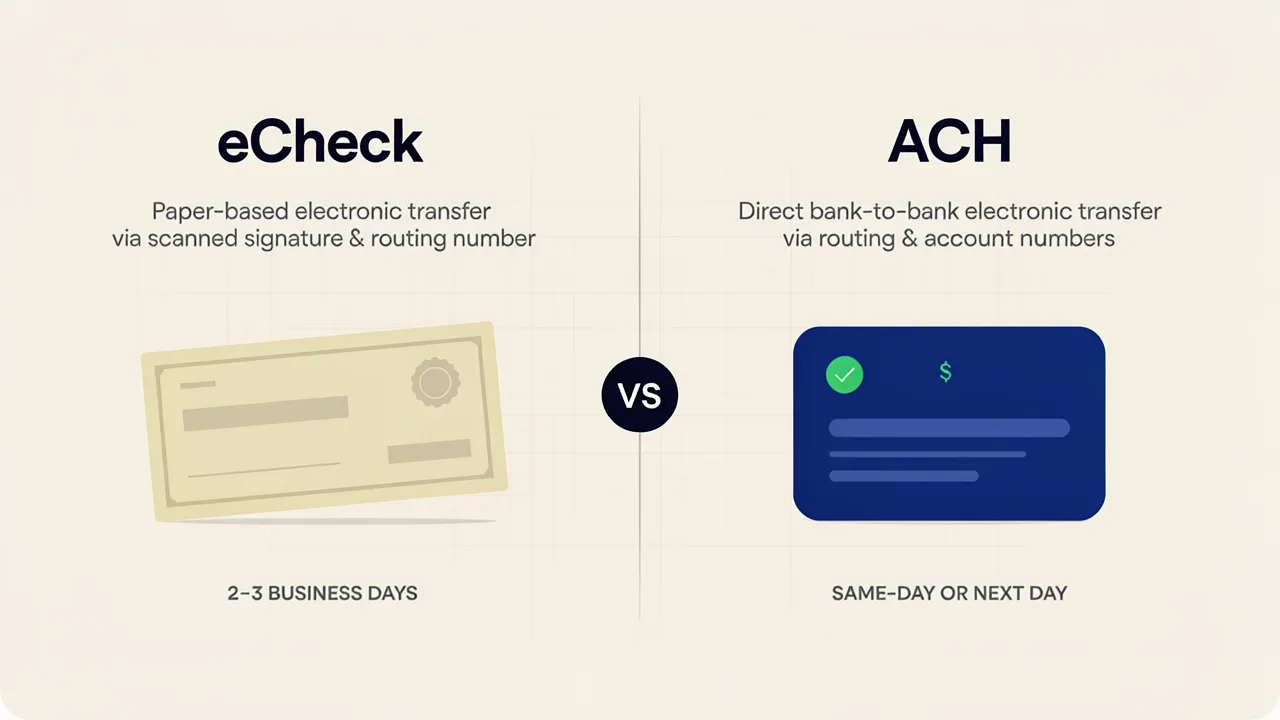
eCheck vs ACH: What’s the Difference and Which Should You Use?
If you’ve ever tried to set up bank payments for your business, you’ve probably hit this wall. One provider says “eCheck,” another says “ACH,” and you’re left wondering if you’re comparing two products or one product with two names.

Square Fees in 2026: Here's What You Should Know
Square fees in 2026 are 2.6% + 15 cents in-person, 2.9% + 30 cents online, and 3.5% + 15 cents keyed-in. See the full breakdown and when Square may cost more than alternatives.

Visa vs Mastercard (2026): Differences, Acceptance & Fees Explained
Visa and Mastercard play a major role in card payments. Learn how their networks affect card acceptance, processing, fees, and security for businesses.