How to accept credit card payments from customers ?
Here's what small businesses need to know about accepting credit card payments online, in person and over the phone.
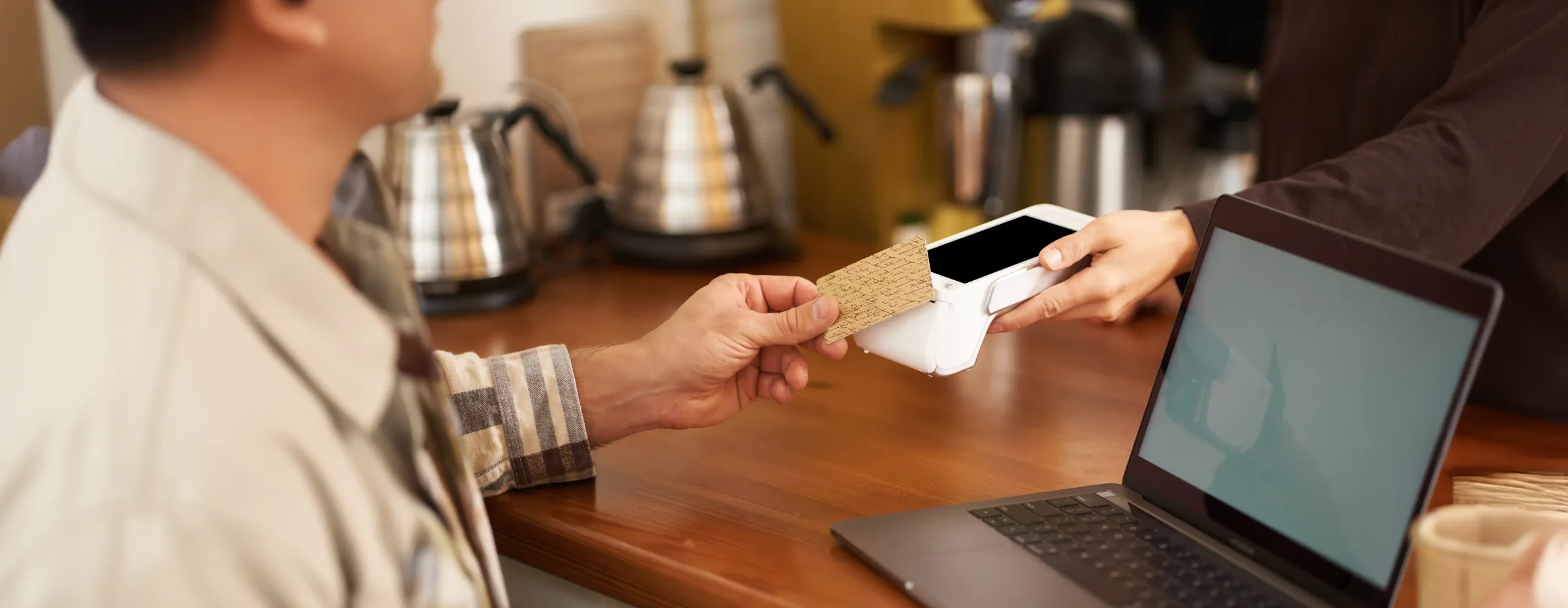
For most businesses, accepting credit cards isn't optional anymore. It's the default expectation. But behind that quick tap or swipe is a small chain of financial institutions communicating in seconds, and understanding that chain makes it much easier to choose the right setup for your business instead of guessing.
How credit card processing actually works
Every card transaction, whether in person, online, or over the phone, follows roughly the same path:
The customer provides card details (tap, swipe, insert, or manual entry).
Your payment gateway or card reader captures that information securely.
Your payment processor sends the request to the relevant card network (Visa, Mastercard, etc.).
The card network routes the request to the customer's issuing bank.
The issuer approves or declines the transaction.
If approved, funds move toward your merchant account, typically arriving within one to two business days.
This entire sequence usually takes a few seconds, but it involves several separate parties, each taking a small fee along the way, which is why understanding your true effective rate matters more than any single advertised rate.
What you need before you can accept cards
Regardless of how you plan to accept payments, most setups require:
A payment processor to handle the transaction itself
A merchant account (or a processor that includes one built in) to receive funds
A payment gateway, for any transaction that isn't a physical card swipe
PCI compliance, since any business handling card data has security obligations under PCI DSS
Some providers bundle all of this into a single account, which is usually the simplest starting point for small and mid-sized businesses.
Accepting credit card payments in person
For a physical storefront, market stall, or mobile business, you'll need a point-of-sale (POS) system paired with a card reader.
Countertop readers suit a fixed checkout counter.
Portable readers work well for businesses that move around a space, like restaurants taking payment tableside.
Mobile card readers connect to a phone or tablet, ideal for businesses without a fixed location, such as contractors, food trucks, or pop-up vendors.
In-person transactions are generally considered lower risk than online ones, since the card and cardholder are both physically present, which typically means lower processing fees than card-not-present transactions.
Accepting credit card payments online
Online, or e-commerce, payments require a digital storefront and a payment gateway for customers to securely enter their card details.
The basic setup:
Build or use an existing online storefront (your own site or a hosted platform).
Integrate a payment gateway so customers can enter card information.
Connect that gateway to a payment processor to complete the transaction.
Test the full flow before going live, including declined-payment scenarios.
Online transactions carry a higher fraud risk than in-person ones, since neither the card nor the cardholder can be physically verified, which is usually reflected in slightly higher processing fees.
Accepting credit card payments over the phone
Phone payments, known as card-not-present (CNP) transactions, involve manually entering the customer's card number, expiration date, and CVV into your POS terminal or payment interface while they're on the line. Because there's no physical card or chip verification, CNP transactions typically carry the highest fees and fraud risk of the three methods, and often warrant extra verification steps.
Choosing the right payment processor
Not all processors are built the same way, and the right choice depends heavily on your business type, transaction volume, and where you sell:
E-commerce businesses, focus on gateway reliability and checkout integration. See processors built for ecommerce.
Retail and in-person businesses, prioritize POS hardware quality and uptime. Compare retail POS processors.
Restaurants, look for tools built around tipping, table service, and split checks. See restaurant processors.
Subscription businesses, need strong recurring billing and dunning management. Compare subscription processors.
Nonprofits, often need donation-specific tools and lower nonprofit rates. See nonprofit processors.
Whatever your business type, don't evaluate processors on headline rate alone. Two processors advertising the same percentage can produce very different actual costs once you factor in monthly fees, PCI compliance fees, and how disputed transactions are handled, which is why unresolved payment disputes can quietly erode margins if a provider handles chargebacks poorly.
Final thoughts
Accepting credit card payments comes down to three moving parts working together: a processor, a gateway (for anything that isn't in-person), and a merchant account to receive the funds. The right combination depends on how and where you sell, not a one-size-fits-all setup.
Before committing to a provider, it's worth comparing processors side by side on total cost and features, or browsing the full processor directory to see which ones actually fit how your business operates.
More from the blog

Visa vs Mastercard (2026): Differences, Acceptance & Fees Explained
Visa and Mastercard play a major role in card payments. Learn how their networks affect card acceptance, processing, fees, and security for businesses.

Best Merchant Services in 2026 Costs,Providers and Evaluation
Compare merchant services based on costs, payment options, support, integrations, pricing models, and business needs to find the right provider.

ISA Fee Explained: Visa International Service Assessment
Visa's ISA fee often catches merchants off guard. Here's what you need to know about the Visa international service assessment.